NotebookLM + Perplexity: Research Discovery → Deep Analysis
Perplexity finds and cites current sources from the live internet. NotebookLM analyzes and synthesizes your specific document collection with grounded citations. Together, they create a research pipeline that combines real-time discovery with deep cross-source analysis — something neither tool achieves alone.
Pair Perplexity’s real-time web search with NotebookLM’s grounded analysis: use Perplexity to discover and gather current sources, then bring them into NotebookLM for cited, in-depth analysis. 4 prompts run the workflow from discovery to verified deep-dive.
TL;DR — Combine Perplexity real-time web search with NotebookLM grounded analysis. 4 prompts for the ultimate research workflow: discover sources, cross-reference findings, generate audio briefings.
Updated June 2026. Maintained by a small team of AI super-users who teach multi-AI research and study workflows to researchers, students, and professionals — no affiliate relationships. About this guide →Changelog
The problem: discovery vs. depth
Research has two distinct phases that require different tools. Discovery means finding current, verified sources on a topic — knowing what exists and what experts are saying right now. Depth means analyzing those sources together, identifying themes, contradictions, and gaps that no single source reveals.
Perplexity excels at discovery. It searches the web in real time, synthesizes findings from multiple pages, and provides inline citations so you can verify every claim. In accuracy tests, Perplexity tied every claim to a specific source in 78% of complex research queries — outperforming ChatGPT's 62%. Its Deep Research mode conducts dozens of parallel web searches and cross-references findings automatically.
NotebookLM excels at depth. It takes your uploaded documents — PDFs, web pages, YouTube videos, Google Docs — and creates a grounded AI that only answers from your sources. Every response includes citations pointing to exact passages. It won't hallucinate because it can't: it only knows what you've given it.
The problem? Most people use one or the other, never both. They discover in Perplexity but never deeply analyze. Or they analyze in NotebookLM but with stale, manually-gathered sources. This workflow connects the two into a research loop where each tool feeds the other.
The six-step pipeline
Start your research in Perplexity
Use Perplexity to discover sources on your topic. Its real-time web search with inline citations gives you verified, current material that no static AI can match. Use Pro Search or Deep Research mode for complex queries that require multi-step investigation across dozens of sources.
Export and organize Perplexity findings
Copy Perplexity's cited responses, or use the export-to-PDF feature available to Pro users. Save the source URLs separately — you'll upload both the synthesis and the original sources into NotebookLM. Focus on collecting 10–20 high-quality sources rather than 50 mediocre ones.
Build a grounded NotebookLM notebook
Create a new notebook in NotebookLM. Upload: (a) the original source URLs that Perplexity cited, (b) any PDFs Perplexity referenced, and (c) your own notes or documents on the topic. NotebookLM supports up to 50 sources per notebook (300 on Plus) and up to 500,000 words per source.
Run deep cross-source analysis in NotebookLM
Now use NotebookLM's grounded AI to do what Perplexity cannot: analyze your specific collection of sources for themes, contradictions, and gaps. Every answer is cited to your uploaded documents, so you can trace claims to exact passages. Use the chat interface for targeted queries.
Generate output assets from NotebookLM
Use NotebookLM's Studio features to transform your analyzed research into deliverables: Briefing Docs for written summaries, Audio Overviews for podcast-style discussions of your findings, Video Overviews for visual explainers, Mind Maps for conceptual visualization, and Flashcards/Quizzes for retention.
Iterate: validate findings back in Perplexity
Take the gaps and questions NotebookLM identified and feed them back into Perplexity for a second research pass. This creates a research loop: Perplexity discovers → NotebookLM analyzes → new questions emerge → Perplexity discovers more. Each cycle deepens your understanding.
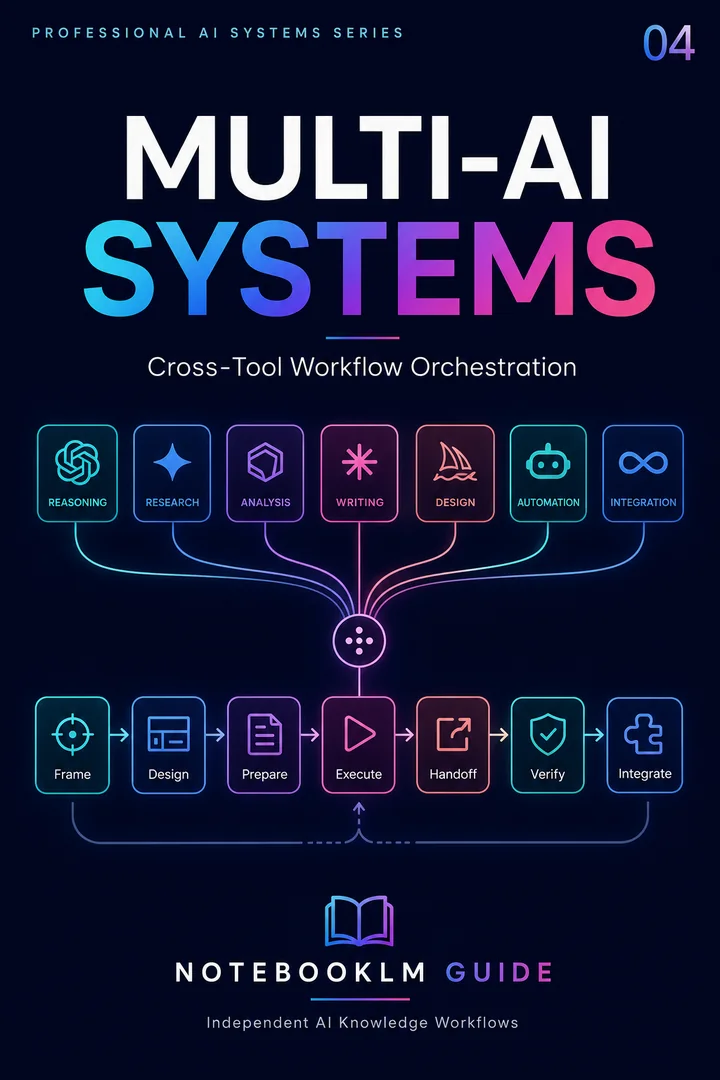
Trinity Stack
A multi-AI orchestration framework for assigning research, reasoning, production, and review to the right systems.
- Reusable workflow architecture
- Source-grounded prompt patterns
- Implementation and review steps
- One-time purchase · permanent access
When to use which tool
| Task | Best tool | Why |
|---|---|---|
| Discover current sources | Perplexity | Real-time web search with inline citations |
| Verify claims against live data | Perplexity | Searches the internet in real time, not a static dataset |
| Deep cross-source synthesis | NotebookLM | Grounded analysis across your specific document collection |
| Find contradictions in sources | NotebookLM | Compares documents side-by-side with exact citations |
| Generate audio/video summaries | NotebookLM | Audio Overview, Video Overview, and Debate formats |
| Study and retain findings | NotebookLM | Flashcards, quizzes, and Learning Guide features |
| Export structured reports | Both | Perplexity Pages for web-ready; NotebookLM Briefing Docs for internal |
Teaser Prompts
1 promptCopy any prompt below. Replace bracketed placeholders with your own details.
Perplexity discovers what's out there; NotebookLM goes deep on what matters — research coverage and depth in one workflow
- Discovery and analysis are different skills — and different tools. Perplexity excels at finding relevant sources across the web. NotebookLM excels at deep analysis of specific documents.
- The pipeline eliminates the 'what am I missing?' anxiety. Perplexity's broad search ensures coverage. NotebookLM's grounded analysis ensures depth. Together, both bases are covered.
- Source handoff is the critical step. The prompts structure how to transfer Perplexity discoveries into NotebookLM notebooks for deep analysis — without losing context or relevance.
Full research pipeline below ↓
Unlock the Full Prompt Collection
Cross-source synthesis, multimodal extraction, slide optimization, Studio customization, troubleshooting diagnostics, and advanced multi-AI workflows — for researchers, business professionals, and educators.
Category Bundle — one-time access
Explore the Multi-AI Prompt PackageLimitations and tips
Perplexity's citations, while more transparent than most AI tools, are not infallible. In testing, its source relevance occasionally pointed to overly general articles. Always open the original sources to verify context — Perplexity summarizes, which can strip nuance. Use its Academic mode when working with scholarly topics for better source quality.
NotebookLM's free tier limits you to 50 sources per notebook and 50 daily chat queries. For large-scale research, the Plus tier (via Google AI Plus at $24.99/month) raises these to 300 sources and 500 daily queries. The free tier is more than sufficient for most individual research projects.
This workflow is not a substitute for reading your sources. Both tools are synthesis aids. The researcher's job — forming original arguments, evaluating methodology, recognizing significance — remains irreplaceable. Use this pipeline to accelerate the mechanical parts of research so you can spend more time on the intellectual parts.
30 copy-ready AI prompts · one PDF
Thirty prompts you can paste today, sorted across research, content, Studio outputs and multi-AI work. Instant access. No credit card.