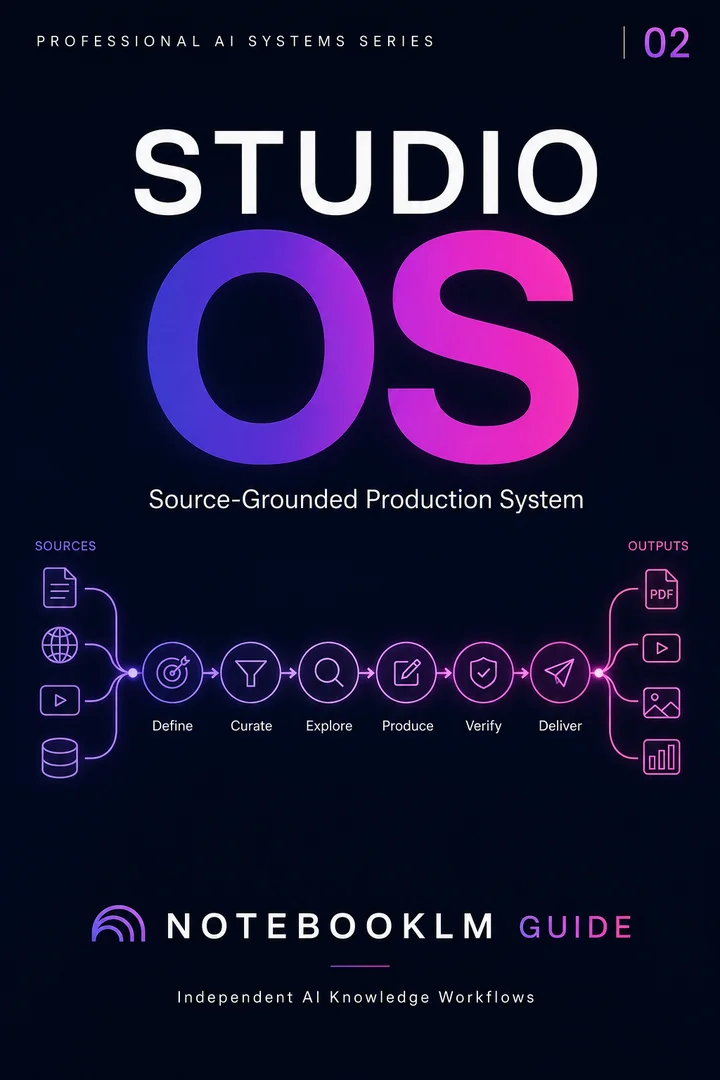
Professional production reference edition · 120 prompts
Studio OS, Slide Decks & Visual Architecture
120 copy-ready prompts across 30 workflows for reports, slide decks, visual structures, podcasts, and presentation-ready outputs.
TL;DR — Studio OS is a paid package of 120 copy-ready prompts for producing reports, presentations, visuals, audio, video and learning assets from trusted source material. The page lists contents, who it is for and related free guides.
Independent product page by NotebookLM Guide; no affiliation with Google.
PROFESSIONAL PRODUCTION REFERENCE EDITION
A production architecture for reports, presentations, teaching, meetings, and knowledge operations
Move from source understanding to finished professional outputs through one universal architecture, a practical workbench, and six reusable workflow libraries.
One-time payment · permanent digital access · no physical shipping · no recurring fee · updates through December 31, 2026 included
STUDIO OS
Contents
120 Prompts
The six workflow-library chapters remain nested beneath Part 4 and preserve their A–F identifiers. 120 numbered copy-and-paste prompts across 30 production workflows.
Part 1: Product Overview & Philosophy3
Part 2: The Universal Production Architecture7
Part 3: The Studio Workbench22
Part 4: Professional Workflow Library32
A — Understand and Onboard34
B — Research and Synthesis65
C — Meetings and Decisions96
D — Teaching and Learning127
E — Reports and Presentations158
F — Knowledge Operations189
Part 5: Reference Toolkit220
Who this package is for
This package is for people who want a repeatable operating workflow rather than isolated prompt examples. It provides a category-level system that can be reused across multiple projects and topics.
Plan
Define the task, evidence requirements, and output standard before prompting.
Execute
Run source-grounded prompts in a deliberate sequence instead of one-off chats.
Review
Use quality checks, revision loops, and human judgment before final delivery.
What you receive
Reusable prompt workflows organized by job-to-be-done
Start here if production is your immediate bottleneck.
Studio OS completely solves this focused job. The next constraint usually appears when you need to connect finished outputs back to research evidence, content distribution, and multi-AI review. That is the point Sovereign is designed for.
Single OS = depth in one domain. Sovereign = integration across Research, Studio, Content, and Multi-AI.
Already own Studio OS? Contact help@notebooklm-guide.com for current Sovereign upgrade options before purchasing again. No automatic credit is promised on this page.