TL;DR — Start with the exact symptom. Check access and source processing before changing browsers; check quota before rebuilding the notebook; check language and generation date before assuming a missing control is a bug.
Verified 2026-07-28. Official limitations are labeled separately from practical troubleshooting steps. See sources →
Symptom-based diagnosisUpdated 2026-07-28 · RC14.54
NotebookLM Audio Overview Not Working?
Find the failing layer before deleting sources or upgrading plans. Match what you see—missing controls, stuck generation, no sound, generic output, quota errors, Interactive Mode or sharing—and apply the smallest useful fix.
Direct answer: Most Audio Overview failures come from one of five layers: account access, source processing, daily quota, feature availability, or browser/device playback. Identify the layer first; clearing cache is not a universal cure.
Google says generation can take a couple of minutes · Mobile may have feature limitations · AI audio can contain glitches
Two-minute Audio Overview diagnosis
Stop changing random settings
1. Is the control visible?No → confirm edit access, wait for sources to finish processing, try desktop, and check whether the feature is available for the account.
2. Does generation start?No → check daily quota, source errors and whether another generation is already running.
3. Does it finish?No → wait several minutes, then test a new notebook with one clean source and the default format.
4. Does it play?No → test browser audio, playback speed, another browser and the downloaded file before assuming the generation itself failed.
5. Is the content useful?No → reduce sources, choose the correct format and write a prompt for one audience and outcome.
6. Does sharing or interaction work?No → check consumer vs Workspace account, notebook access, language, whether the audio is newly generated, and whether it was deleted.
Match the symptom you see
Likely cause → best next test
Access or deviceGenerate button is missing
- Likely cause
- No edit access, source processing is incomplete, mobile limitation or account rollout difference.
- Best test
- Open the same notebook on desktop, confirm you can edit it, and verify at least one source is ready.
- Do not
- Upgrade immediately before confirming the account badge and feature availability.
GenerationGeneration spins but never finishes
- Likely cause
- Temporary server delay, problematic source set, quota state or a stalled generation job.
- Best test
- Wait several minutes, then create a new notebook with one clean text or PDF source and use default Deep Dive.
- Escalate
- If the minimal test also fails, capture the error and report it from the product.
Source isolation“Audio Overview unsuccessful”
- Likely cause
- One source or the combined source set cannot be processed cleanly for generation.
- Best test
- Generate from one source, then add sources back in small groups until the failure returns.
- Fix
- Replace or simplify the failing source and avoid mixing unrelated materials.
Playback layerAudio loads but has no sound
- Likely cause
- Muted tab, system output device, browser playback state, extension conflict or a damaged download.
- Best test
- Play another site, check the tab and system mixer, try a private window, then download and test the file.
- Fix
- Only regenerate after separating playback failure from generation failure.
Input qualityThe audio is generic or off-topic
- Likely cause
- Too many sources, conflicting topics, weak prompt or format mismatch.
- Best test
- Select three to five coherent sources and specify audience, focus, exclusions and ending.
- Next
- Use the prompts guide →
Format or languageThe audio is much shorter than expected
- Likely cause
- The Brief is intentionally under two minutes, or the chosen language does not expose all length controls.
- Best test
- Use Deep Dive. For the documented Shorter, Default and Longer control, test English output on desktop.
- Fix
- Name the specific topics requiring more attention instead of asking only for “more detail.”
AvailabilityBrief, Critique or Debate is missing
- Likely cause
- Device limitation, account rollout or an older interface state.
- Best test
- Use the current desktop interface, refresh, and create a new Audio Overview rather than loading an older artifact.
- Note
- Do not claim a plan requirement unless the account’s official plan page confirms it.
English-only controlShorter or Longer is missing
- Official status
- Google currently documents Shorter, Default and Longer length choices as English-only.
- Best test
- Set output language to English and try desktop generation.
- Alternative
- Use Deep Dive and prompt for the priority topics, while accepting that exact duration is not guaranteed.
Interactive ModeInteractive Mode or Join is missing
- Official status
- Currently English-only and available only for newly generated Audio Overviews.
- Best test
- Create a new English Audio Overview, choose Interactive Mode, play it, then select Join.
- Known issues
- Slight delays, random speaker switches, a third voice or other voice glitches can occur.
Daily quotaDaily limit reached
- Official status
- Current caps vary by plan and daily quotas reset after 24 hours.
- Best test
- Check the plan badge near the profile image and compare it with the official limits table.
- Next
- Check Audio limits →
Sharing permissionsShare link does not work
- Likely cause
- The recipient lacks full-notebook access, the account cannot make notebooks public, or the audio was deleted.
- Official limit
- Public notebook sharing is disabled for Workspace Enterprise and Education accounts.
- Fix
- Share the notebook with the recipient, use a consumer account where appropriate, or download and share the audio.
MobileDesktop and mobile behave differently
- Official status
- Google warns that the mobile app may have limitations for Audio Overview features.
- Best test
- Use desktop web to determine whether the issue is account-wide or mobile-only.
- Fix
- Generate or configure on desktop, then use mobile for listening and supported offline playback.
Build a minimal reproducible test
The fastest escalation path
Create a new notebookDo not use a large production notebook for the first test.
Add one clean sourceUse a short plain-text document or ordinary PDF that finishes processing.
Use default Deep DiveDo not add custom instructions, unusual language or multiple artifacts yet.
Record the exact resultCapture account plan, device, browser, time, source type and exact error wording.
Add complexity one variable at a timeAdd sources, format, language and prompt separately until the failure returns.
Why this works: it distinguishes a product-wide outage from a notebook-specific source, quota or configuration problem.
Sharing and Interactive Mode are often limitations, not bugs
Official constraints
| Symptom | Official constraint | Practical action |
|---|
| Public link unavailable | Public notebook sharing is consumer-account only; disabled for Workspace Enterprise/Education | Share the notebook directly or download the audio |
| Old share link stopped working | Deleting an audio invalidates its previous share link | Generate a new audio and new link |
| Recipient cannot join the hosts | Shared users cannot interact through the Audio Overview link | Interaction must occur in the owner’s supported session |
| Join button missing | Interactive Mode is English-only and newly generated audio only | Create a new English Audio Overview |
Audio Overview troubleshooting FAQ
Direct answers
Should I clear cache first?
No. First determine whether the failure is access, source processing, quota, generation or playback. Cache clearing is useful only when evidence points to a browser-state problem.
How long should I wait for generation?
Google says it may take a couple of minutes. For a complex source set, wait several minutes before declaring failure, then use the minimal one-source test.
Does upgrading guarantee the missing feature appears?
No. Confirm the plan badge and official feature table, because some issues are caused by language, device, rollout or source state rather than plan.
Can a corrupted downloaded file cause no sound?
It can, but first test whether the in-browser player works. A generation-level failure and a downloaded-file playback failure are different problems.
Official sources and verification notes
Primary documentation
Google Help
Generate Audio Overview
Formats, prompts, language, playback, sharing, Interactive Mode and known limitations.
Open official help →
Google Help
Plans and usage limits
Current daily Audio Overview caps by Standard, Plus, Pro and Ultra plan.
Open official limits →
Google Help
Output language
How Gemini Notebook selects and changes the language used by generated artifacts.
Open language help →
Google Blog
Multilingual Audio updates
Background on the rollout of fuller Audio Overviews across more than 80 languages.
Read the announcement →
Verified 2026-07-28. Product behavior and quotas can change without a page redesign. Where Google does not publish a fixed value, this guide labels the item as undocumented rather than guessing.
Studio OS · Audio Overview prompt library
Turn two free prompts into a reusable production system
The Studio Collection adds 28 Audio Overview prompts for research, executive briefings, critiques, debates, teaching and Interactive Mode—30 total with the two free templates on this page.
Research Deep Dives · 6
Executive Briefs · 5
Critique Workflows · 5
Evidence Debates · 4
Teaching Audio · 4
Interactive Steering · 4
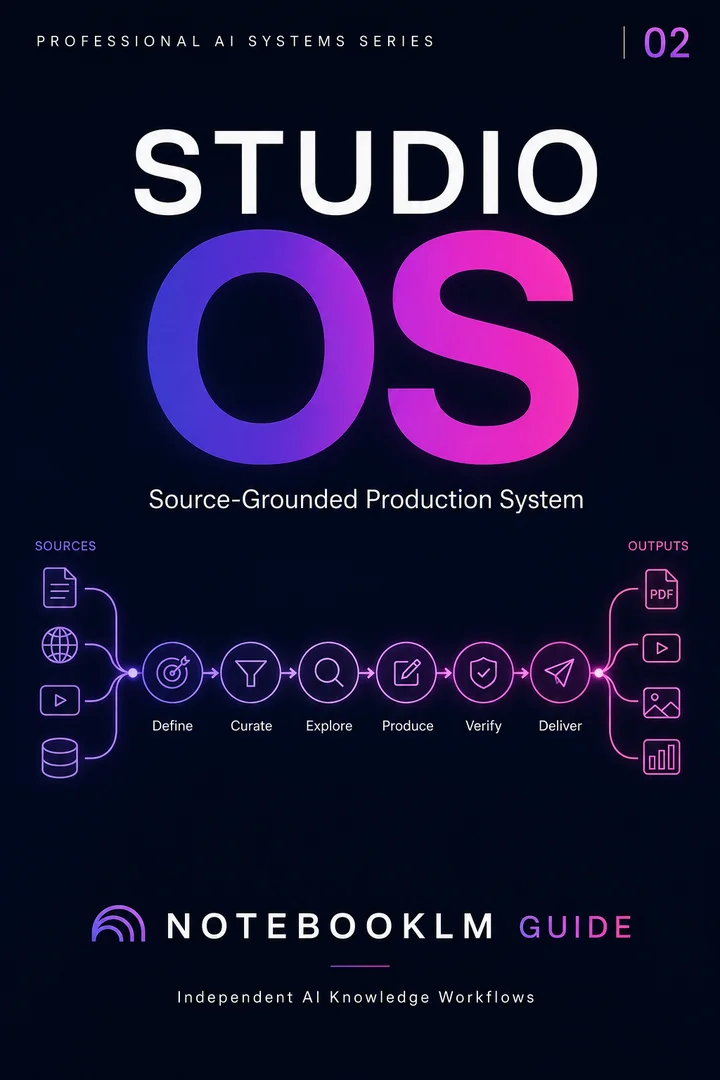
Next step · Studio OS
Studio OS
Turn a trusted source library into professional briefings, slides, visuals, and presentation-ready assets.
- Reusable, source-grounded workflow architecture
- Complete prompt library with implementation steps
- One-time purchase · permanent access
Privacy and responsible AI use
Before uploading client, student, health, legal or employee information, remove unnecessary identifiers and use an approved organizational environment. Audio makes source content easier to consume; it does not reduce the sensitivity of the underlying material.