The Problem With How Most People Use NotebookLM
Here's the workflow almost everyone follows:
Upload a few sources. Ask a question. Get an answer. Copy the output into Google Docs. Close the tab. Next week, same pattern. Different topic. Upload. Ask. Copy. Close.
There are three problems with this:
Search Engine, Not System
NotebookLM supports 50 sources per notebook, up to 500,000 words each. Most users treat it like a smarter Ctrl+F.
One Output Per Session
Five sources contain enough material for ten assets. You produce one. The rest of the value is lost.
Nothing Compounds
Each session starts from scratch. Last week's insights are gone. No knowledge persists. You're running in place.
The problem isn't NotebookLM. It's that most people use it without a system. And without a system, even the best workspace produces one-off outputs instead of a compounding content engine.
That's not a NotebookLM feature. That's a Content Workflow Studio.
What Is a Content Workflow Studio?
A Content Workflow Studio is a source-grounded knowledge transformation system that helps professionals exercise editorial judgment at scale — transforming verified knowledge into trustworthy communication assets.
Four components. Every one matters:
Source-Grounded
Starts with verified inputs — research, data, transcripts — not blank prompts.
Knowledge Transformation
Converts existing knowledge into new forms. Doesn't generate from nothing.
Editorial Judgment
A professional decides what's worth publishing. The system scales that judgment.
Trustworthy Output
Accurate, useful, responsible communication — not just "content."
| What You're Doing | What a Studio Does | The Gap |
|---|---|---|
| Use ChatGPT to write articles | Use a knowledge hub to transform sources into many assets | One output vs. many |
| Research once, write once | Research once, transform continuously | Disposable vs. compounding |
| Copy AI output and publish | Apply human editorial judgment before publishing | Generated vs. governed |
| Measure traffic | Feed performance data back into the knowledge system | Passive vs. learning |
The Knowledge Transformation Framework
AI can scale the transformations. Humans remain accountable for the judgments.
The Knowledge Transformation Framework is a seven-stage system for converting verified knowledge into trustworthy, reusable communication assets while preserving human editorial judgment at every stage.
Acquire
Bring curated, verified sources into your knowledge hub.
Three source categories: Primary (research papers, data, transcripts), Secondary (expert analysis, industry reports), and Experiential (customer interviews, internal knowledge).
In NotebookLM: create a notebook, upload up to 50 sources per topic. Name each clearly. Favor depth — five excellent sources beat twenty mediocre ones.
The Source Curation Checklist — included in Connect Studio outputs to the complete workflow → — ensures every upload meets this standard.
Structure
Organize sources into a queryable knowledge system.
Group related sources. Create a source index. Map which sources support or contradict each other.
The Notebook Architecture Template — included in Connect Studio outputs to the complete workflow → — provides a ready-made source index.
Distill
Extract insights, contradictions, and key findings across all sources.
Not "summarize this paper" — ask: "What are the five most important themes across all sources?" and "Where do these sources disagree?"
30 Distill Prompts for NotebookLM — included in Connect Studio outputs to the complete workflow → — cover synthesis, contradiction-finding, and gap analysis.
Shape — Apply Editorial Judgment
Decide how distilled knowledge should be framed for a specific audience.
AI can generate paragraphs. It cannot decide which comes first, which leads, or which needs caveats. A human decides what the content argues.
The Content Brief & Editorial Template — included in Connect Studio outputs to the complete workflow → — formalizes these decisions.
Express
Produce a first draft in the target format.
AI does its best work here — because four prior stages gave it something real. One notebook, multiple assets:
Blog Post
"What the Research Gets Wrong About Diagnostic AI Deployment" — 2,000 words, citation-grounded.
Newsletter
300-word summary with the key insight and link to the full article.
Slide Deck
10-slide outline with WHO data points.
Podcast Guide
5-minute talking points with the contradiction angle.
LinkedIn Thread
8-post thread starting with the developing-nations surprise.
Platform-specific output templates — included in CAT 2: Studio Outputs ($24.99).
Refine — Take Responsibility
Transform a competent draft into something you'll put your name on.
- Verify all facts against original sources
- Add personal experience and original analysis
- Rewrite for voice. Preserve necessary uncertainty
- Optimize for the platform
The Refinement Checklist — included in Connect Studio outputs to the complete workflow →.
Distribute
Publish to target platforms. Measure performance. Feed learning back.
The Studio OS (Notion) — included in Connect Studio outputs to the complete workflow → — tracks publishing status and performance.
Where AI Stops and Human Judgment Begins
| Stage | AI Assists With | Human Judges |
|---|---|---|
| Acquire | Finding, importing, suggesting sources | Which sources are credible and worth including |
| Structure | Grouping, tagging, organizing | Which structure reflects the real questions |
| Distill | Extracting themes, contradictions, statistics | Which findings matter vs. surface-level patterns |
| Shape | Proposing outlines, suggesting angles | Audience, purpose, argument, emphasis |
| Express | Generating drafts, formatting for platforms | Whether the expression is accurate and honest |
| Refine | Grammar, consistency, citation checks | Voice, interpretation, responsibility for claims |
| Distribute | Scheduling, formatting, platform versions | Where to publish, how to interpret audience response |
The Framework in Action
Seven transformations applied to the "AI Healthcare 2026" notebook — concrete, not abstract.
A Real Distill Prompt
Analyze all four uploaded sources and identify the 3 most significant findings that span multiple sources. For each: (1) cite the specific source and page, (2) note where sources agree or contradict, (3) rate evidence strength. Flag any finding appearing in only one source.
This surfaces findings that reading each source alone would miss — the 3× adoption rate (WHO), the false-positive contradiction (Paper 1 vs. 2), and the deployment failure mode (podcast only).
Before and After
Upload. Ask. Get one answer. Copy. Close tab. Start from scratch next week.
Result: 1 output per session. Nothing compounds.
Upload 4 curated sources. Run the 7-stage framework. Generate 5 assets across 4 platforms. Feed performance data back.
Result: 5+ outputs per cycle. Each cycle makes the next one better.
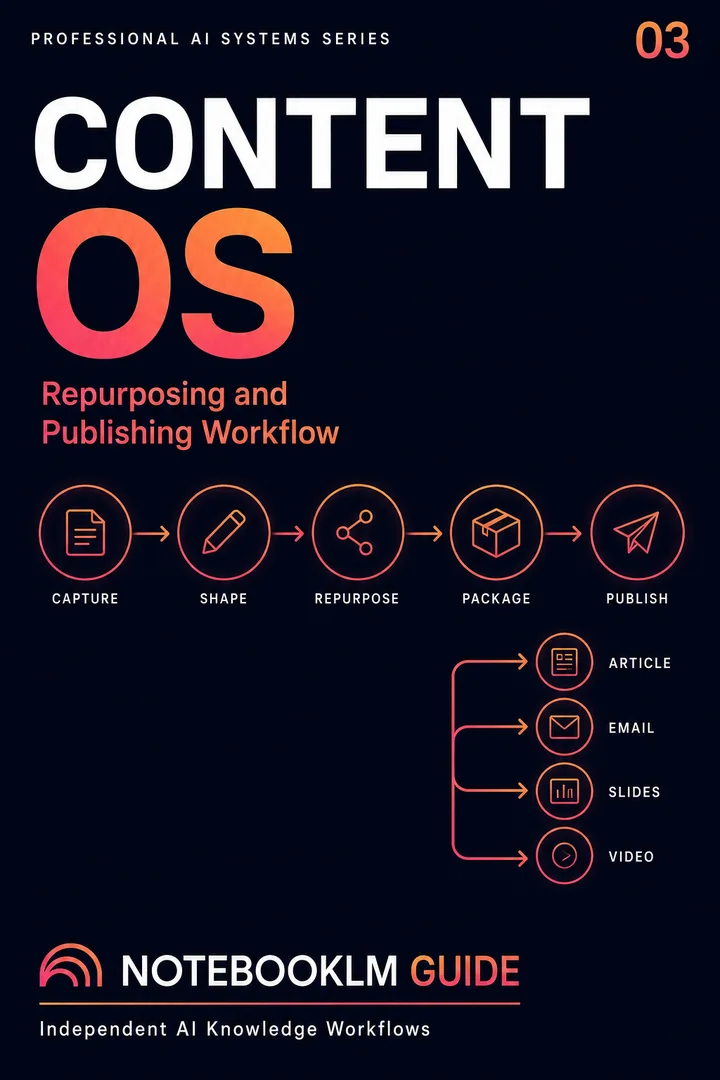
Creative Content Engine
A content operating system for transforming one grounded source base into multiple coherent formats and channels.
- Reusable workflow architecture
- Source-grounded prompt patterns
- Implementation and review steps
- One-time purchase · permanent access
The Content Workflow Studio Capability Stack
Tools change every quarter. These six capability layers don't:
How NotebookLM Fits Into Your Studio
NotebookLM is the recommended tool for Layer 2 and a strong contributor to Layer 3. Here's what it handles vs. what needs pairing:
| Stage | NotebookLM | Pair With |
|---|---|---|
| Acquire | Upload sources directly | Readwise, Perplexity |
| Structure | Organize into notebooks | Your own source index note |
| Distill | Q&A, Audio Overview | — (excels here) |
| Shape | Basic outlines | Claude (narrative structuring) |
| Express | Source-grounded first drafts | Claude (voice), ChatGPT (formatting) |
| Refine | Fact-check citations | Claude + human editor |
| Distribute | Platform variants | WordPress, Buffer |
Your First Content Workflow Studio Session (30 Minutes)
Minutes 1–5: Acquire
Create a notebook. Upload 5–10 sources. Name each clearly.
Minutes 5–10: Structure
Add a source index note. Group by contribution type.
Minutes 10–20: Distill
Ask synthesis questions. Listen to the Audio Overview.
Minutes 20–25: Shape & Express
Generate an article outline with citations. Then the full draft.
Minutes 25–30: Plan Next Outputs
From the same notebook: newsletter, LinkedIn thread, slide outline. Four assets from 30 minutes.
Ready to build your own Content Workflow Studio?
This article teaches the framework. Sovereign OS gives you every template, prompt, and workflow to implement it.
- 30 Distill Prompts for NotebookLM
- Content Brief & Editorial Templates
- Studio OS (Notion) — 7-stage dashboard
- Source Curation Checklist
- Workflow Pack for blog, newsletter, video, podcast, social, slides
Studio Templates & Products
Sovereign OS: Full-Stack Augmentation Protocol
$69.99The complete implementation system for the Knowledge Transformation Framework. Every template, prompt, and workflow to run the full seven-stage cycle.
- Knowledge Transformation Planner
- Content Brief & Editorial Templates (Shape)
- 30 Distill Prompts for NotebookLM
- Studio OS (Notion) — manage all 7 stages
- Source Curation Checklist (Acquire)
- Notebook Architecture Template (Structure)
- Refinement Checklist (Refine)
- Workflow Pack — blog, newsletter, video, podcast, social, slides
CAT 2: Studio Outputs, Slide Decks & Visual Architecture
$24.99Platform-specific output templates for the Express stage. Slide deck frameworks, visual structures, and multi-format adaptation templates.
- Slide deck architecture templates (data-driven, narrative, comparison)
- Blog post structure templates (deep-dive, listicle, case study)
- Newsletter framework (subject line + hook + insights + CTA)
- LinkedIn thread templates (data-led, story-led, contrarian)
- Video script outline (Hook → Problem → Solution → Proof → CTA)
Free Starter Templates
- Knowledge Transformation Planner — Map any source to its transformation verb and output
- Content Brief Template — Structure every piece before generation
- Source Curation Checklist — Ensure every source meets your quality standard
Frequently Asked Questions
Start Building Your Content Workflow Studio
Set Up Your Knowledge Hub
Go to notebooklm.google.com. Create a notebook. Upload 5–10 curated sources.
Run the Distill Stage
Spend 20 minutes on synthesis questions. Listen to the Audio Overview. Understand before you generate.
Transform One Insight Into One Asset
Shape it into a brief. Generate a first draft. Refine with your voice. Publish. Then do it again.
Watch the system compound.
The purpose of a Content Workflow Studio is not to remove the human from content production. It is to remove repetitive work so that human attention moves to the decisions that matter: what is true, what is useful, and how knowledge should be communicated responsibly.