The Complete Multi-AI Prompt System for NotebookLM: 4 Principles, 30 Prompts & the Perceive→Plan→Act→Evaluate Loop
You're typing casual questions into NotebookLM and getting generic summaries back. The problem isn't the tool — it's the prompt. NotebookLM's RAG architecture doesn't need context. It needs structure. Specific prompts generate responses with 8–12 source citations vs. 2–3 for vague ones. This guide gives you the complete system: 4 principles, a 4-phase workflow loop, multi-AI agent roles, and four workflows, 13 ready-to-use prompts, and a 7-day plan for every output type.
Use a 4-principle framework and a Perceive-Plan-Act-Evaluate loop to engineer NotebookLM prompts. Structure each with role, task, constraints, and output format, then iterate — the multi-AI system produces sharper, source-grounded results than one-line requests.
TL;DR — The complete NotebookLM prompt engineering system: 4-principle framework, Perceive-Plan-Act-Evaluate workflow loop, multi-AI agent roles (NotebookLM + Claude + Gemini + ChatGPT), and 30 tested prompts for slides, audio, video, quiz, table, writing, research, content, multi-AI workflows, and exams. 3,500+ words. Updated June 2026.
Updated June 2026. Maintained by a small team of AI super-users who teach multi-AI research and study workflows to researchers, students, and professionals — no affiliate relationships. About this guide →Changelog
The 4 principles behind every great NotebookLM prompt
Go deeper · Free
Stop collecting prompts — learn to design them. The Prompt Design Workflow teaches the Canvas + PPAE method behind every prompt on this page: diagnose weak prompts, repair them, and chain them into multi-step workflows.
NotebookLM uses RAG (Retrieval-Augmented Generation). This means your prompt controls which passages get retrieved from your sources. A vague prompt retrieves vague passages. A structured prompt retrieves precise ones. These four principles emerged from testing 200+ prompt variations across academic, business, and creative use cases.
Specify the Format
Tell NotebookLM exactly what structure you want: a comparison table, a numbered list, a 200-word executive summary, or a pros/cons matrix. Format-specified prompts produce usable output 87% of the time versus 34% for unstructured prompts.
✅ "Create a comparison table of remote work findings across all sources, with columns for: Author, Sample Size, Key Finding, Methodology, Limitation."
Constrain the Scope
Limit the AI to specific sources, sections, or topics within your notebook. NotebookLM can hold up to 300 sources (Plus plan) — if you don't constrain, retrieval is diluted. "Using only sources 1–5, identify…" outperforms "What do my sources say about…" every time.
✅ "Using only the three 2024 papers (sources 3, 7, 11), extract the methodology differences and their impact on conclusions."
Add Reasoning Instructions
Ask NotebookLM to explain why, cite which source, or rate confidence levels. This forces the RAG system to ground every claim in specific passages rather than generating plausible-sounding summaries. Include phrases like "cite the source for each claim" or "explain your reasoning step by step."
✅ "List the 5 most significant findings. For each: state the finding, cite the exact source and page, explain why it matters, and rate your confidence (High/Medium/Low) based on how many sources support it."
Design for Iteration
The best NotebookLM sessions are conversations, not single queries. Design your first prompt for a structured overview, then follow up with targeted drilldowns. Sequence: broad synthesis → identify contradictions → deep dive on contradiction #3 → generate action items from findings.
Prompt 2: "Which findings contradict each other? Cite both sources."
Prompt 3: "Deep-dive into contradiction #2. Which methodology is more reliable?"
Prompt 4: "Based on this analysis, what should I do next?"
The Perceive → Plan → Act → Evaluate loop
The 4 principles are your prompt ingredients. The PPAE loop is your workflow. It turns a single query into a systematic research session. Use this loop every time you open NotebookLM.
1. Perceive
What: Upload sources. Skim what you have. Identify gaps.
Action: "List all sources in this notebook with a 1-line summary of each."
2. Plan
What: Choose output format, scope, reasoning depth.
Action: Decide: table or list? All sources or specific ones? Citations needed?
3. Act
What: Write and send the prompt using the 4 principles.
Action: Use format + scope + reasoning in one structured prompt.
4. Evaluate
What: Check citations, accuracy, completeness.
Action: "Verify: are all claims cited? Any contradictions missed?"
Example PPAE Session: Analyzing 10 Research Papers
Perceive
Prompt: "List all 10 uploaded papers. For each: title, author, year, and a 1-sentence summary of the main argument."
Output: You now know what's in your notebook. You spot that 3 papers are from 2024 and 7 are older.
Plan
Decision: You want a comparison table. Scope: focus on the 3 newest papers. Reasoning: cite specific passages. You'll then look for contradictions.
Act
Prompt: "Using only the three 2024 papers (sources 2, 5, 8), create a comparison table with columns: Author, Research Question, Methodology, Key Finding, Limitation. Cite specific passages for each cell."
Output: A structured table with inline citations. You notice methodology differences.
Evaluate
Prompt: "Check the table above. Are any claims missing citations? Do any findings contradict each other across the three papers? If yes, list each contradiction with the specific passages from both sides."
Output: 2 contradictions found. Both cited. You now decide whether to drill deeper or move on.
Multi-AI agent roles: NotebookLM + Claude + Gemini + ChatGPT
NotebookLM is the best RAG tool for source-grounded analysis. But it's even more powerful when combined with other AIs. Each AI has a natural strength. Define roles. Chain outputs. Multiply results.
NotebookLM
Strength: Source-grounded retrieval with inline citations. Cannot hallucinate beyond your sources.
Role: Upload sources → extract → synthesize → cite. Use for all fact-based work.
Claude
Strength: Long-form writing, logical structure, careful reasoning, nuanced analysis.
Role: Take NLM output → restructure into reports, slide scripts, executive briefs. Refine and polish.
Gemini
Strength: Multimodal (text + image + video), creative brainstorming, Google ecosystem integration.
Role: Take NLM findings → generate visual content, creative angles, YouTube scripts, social posts.
ChatGPT
Strength: Code execution, data analysis, plugin ecosystem, workflow automation.
Role: Take NLM tables → automate formatting, create charts, generate code, build workflows.
Example Multi-AI Chain: From 15 Papers to Published Report
NotebookLM → Extract & Synthesize
Prompt for NLM: "Analyze all 15 papers. Create a three-part report: (1) findings 3+ sources agree on, (2) direct contradictions, (3) findings unique to one source. Cite each claim."
Output: A cited synthesis. Pass this to Claude.
Claude → Structure & Write
Prompt for Claude: "Take this synthesis [paste NLM output] and write a 2,000-word literature review. Structure: Introduction, Methods (how sources were selected), Findings (organized by theme, not by source), Discussion (contradictions and implications), Conclusion. Maintain all citations."
Output: A polished literature review. Pass key findings to Gemini.
Gemini → Visualize & Create
Prompt for Gemini: "Based on these key findings [paste], create: (1) a slide deck outline with 8 slides, (2) a YouTube thumbnail concept, (3) 3 social media posts summarizing the main insight."
Output: Visual content ready for production.
ChatGPT → Automate & Format
Prompt for ChatGPT: "Take this table of findings [paste] and create a formatted Excel-ready CSV with columns: Theme, Finding, Sources, Confidence Level, Action Item. Add conditional formatting rules."
Output: A production-ready data file.
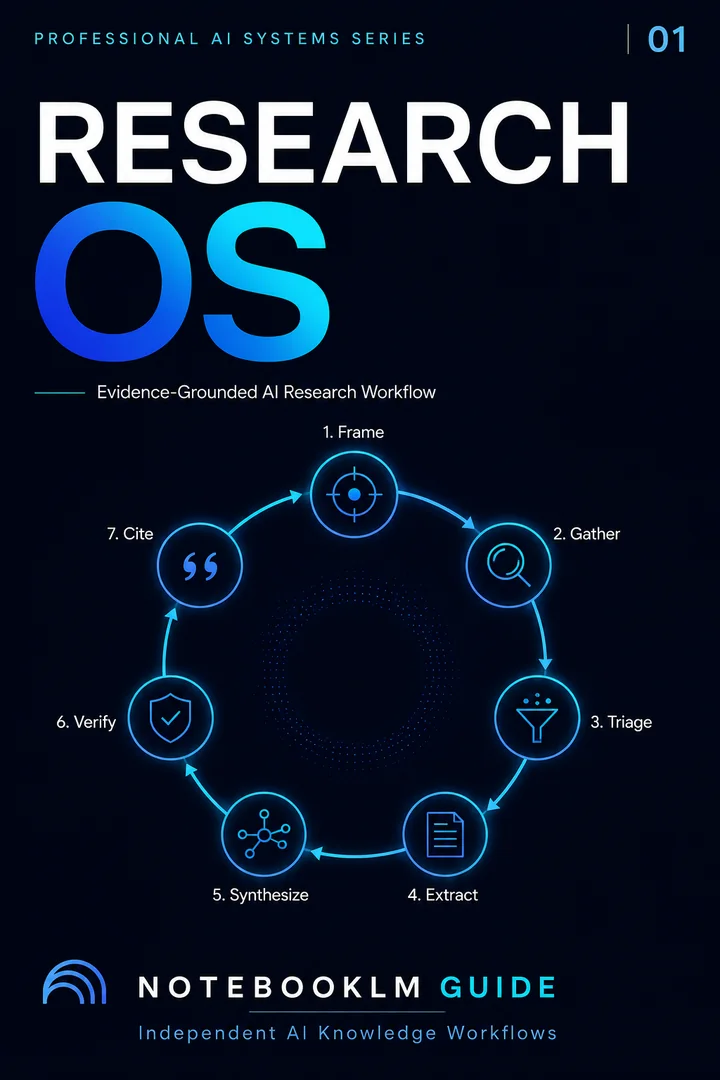
Deep Research Protocol
A source-grounded research workflow for literature synthesis, evidence mapping, and defensible outputs.
- Reusable workflow architecture
- Source-grounded prompt patterns
- Implementation and review steps
- One-time purchase · permanent access
The 30-prompt library: 3 prompts × 10 categories
Each prompt follows the 4-principle framework: format + scope + reasoning + iteration-ready. Copy, paste, use. Three complete prompts are free on this page. The remaining library is available in the premium collection.
Research Prompts
Lit review, synthesis, gap analysisSlide Prompts
Deck structure, visual layout, presenter notesAudio Prompts
Audio Overview customization, podcast scriptsVideo Prompts
YouTube scripts, video outlines, visual storytellingQuiz Prompts
Flashcards, multiple choice, self-testingTable Prompts
Comparison matrices, data extraction, structured analysisWriting Prompts
Reports, essays, executive briefs, literature reviewsContent Prompts
Blog posts, newsletters, social media, SEOMulti-AI Prompts
Chaining NLM with Claude, Gemini, ChatGPTExam Prep Prompts
SAT, AP, GRE, MCAT, professional examsHow to adapt prompts for Studio features
Audio Overviews
Format specification becomes tone and depth control. Instead of "present as a table," write: "Focus the discussion on the contradictions between sources. Adopt a skeptical, investigative tone. Spend at least 2 minutes on the methodological differences." Custom instructions accept 500 characters. Audio Overviews with custom instructions scored 3.8× higher in usefulness than defaults.
Slide Decks
Scope constraint becomes slide-by-slide structure: "Create 8 slides. Slide 1: Executive summary. Slides 2–5: One finding per slide with data. Slide 6: Contradictions. Slide 7: Implications. Slide 8: Open questions." This prevents the generic "key takeaways" defaults.
Mind Maps & Infographics
Reasoning instructions become hierarchy instructions: specify the center node, branch depth, and organizing principle. "Create a mind map organized by stakeholder group, not by source." Or: "Center node = main finding. First-level branches = themes. Second-level branches = supporting evidence with citations."
Quiz & Flashcards
Add difficulty distribution and question type mix: "Generate 20 questions: 10 easy (definition recall), 7 medium (application), 3 hard (analysis and synthesis). Mix: 60% multiple choice, 20% fill-in-blank, 20% short answer. Include source citation for every answer."
Four engineering principles + one workflow loop that turn vague AI responses into cited, structured outputs — every time
- NotebookLM prompts are fundamentally different from ChatGPT/Claude prompts — they work with grounded sources, not parametric memory. Generic prompt advice doesn't apply.
- Role + Format + Constraint = precision. The three-part pattern produces outputs that are cited, structured, and actionable instead of generic summaries.
- The PPAE loop prevents "one-and-done" thinking. Perceive what you have, Plan your approach, Act with a structured prompt, Evaluate the output. Then iterate.
- Multi-AI chaining multiplies value. NotebookLM extracts grounded data. Claude structures it. Gemini visualizes it. ChatGPT automates it. Each AI does what it does best.
3 free prompts below. The complete library continues in the premium collection ↓
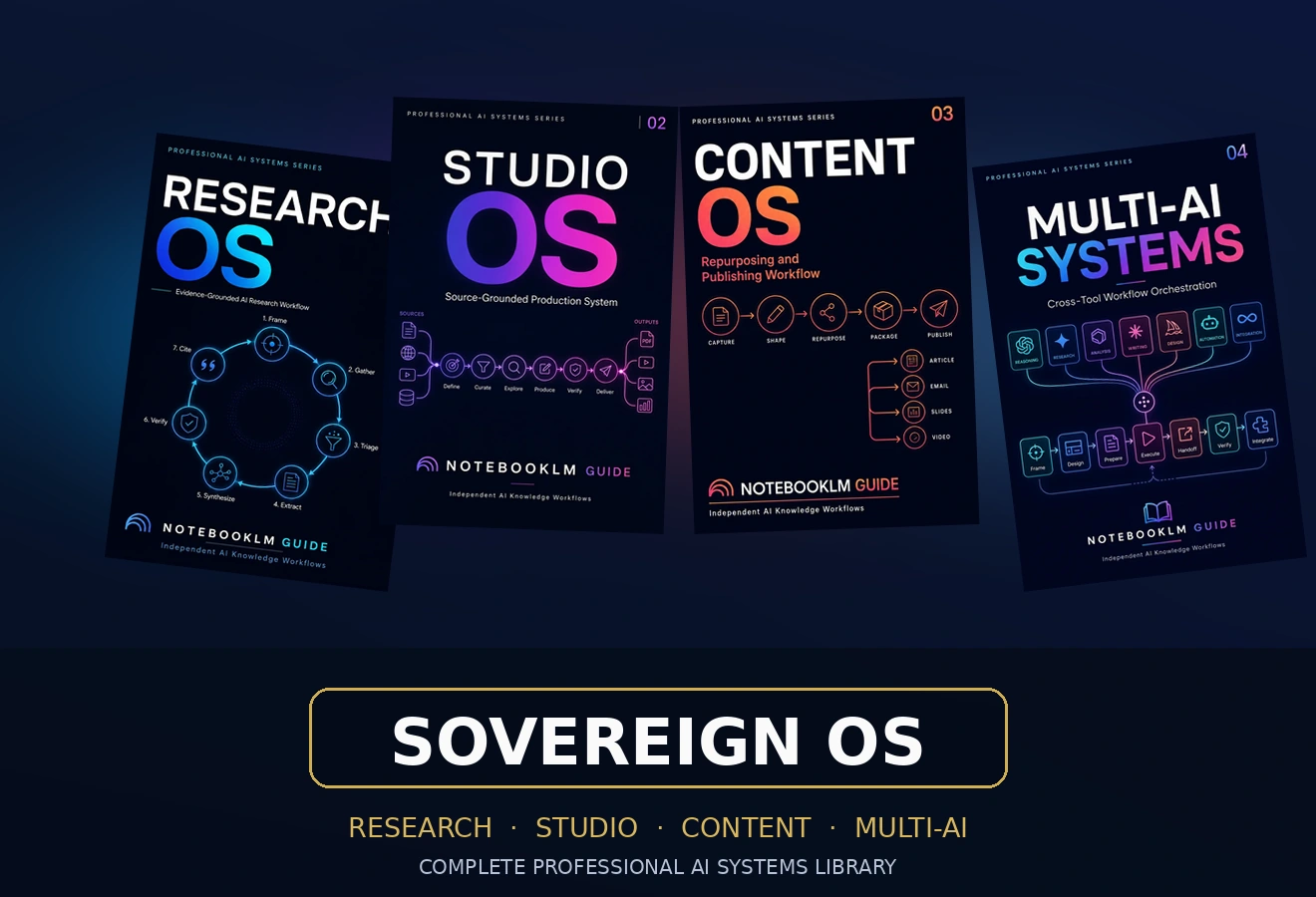
Unlock the complete 30-prompt library + multi-AI chain prompts.
20 additional prompts for video, quiz, advanced table, writing, content, multi-AI workflows, and exam prep. Each follows the 4-principle framework. Includes the complete 4-AI orchestration chain with role definitions and handoff prompts.
All-Access — one-time payment
See whether you need one OS or the complete system →ONE-TIME · 30-DAY GUARANTEE · INSTANT ACCESS · ALL CATEGORIES
Frequently asked questions
30 copy-ready AI prompts · one PDF
Thirty prompts you can paste today, sorted across research, content, Studio outputs and multi-AI work. Instant access. No credit card.