Official
Daily quotas reset after 24 hours
Google does not describe one universal local-midnight reset for every user.
TL;DR — Google currently lists 3 Audio Overviews per day on Standard, 6 on Plus, 20 on Pro, 100 on Ultra 20 TB and 200 on Ultra 30 TB. Daily quotas reset after 24 hours and are subject to change.
Last verified 2026-07-28. Official numbers are separated from observed or undocumented behavior. See primary sources →
The current daily caps by plan, the 24-hour reset rule, format and language constraints, Interactive Mode and sharing limits—and the values Google still does not publish.
Direct answer: Audio Overview limits are plan-based. Google currently lists 3/day Standard, 6/day Plus, 20/day Pro, 100/day Ultra 20 TB, and 200/day Ultra 30 TB. Daily quotas reset after 24 hours. These limits are explicitly marked subject to change.
Do not infer a midnight reset · Automatic first artifacts may not count · Sharing a notebook does not change a collaborator’s limit
| Plan | Audio Overviews | How to confirm | Important note |
|---|---|---|---|
| Gemini Notebook Standard | 3/day | Free consumer account or qualifying access | Do not assume all free-looking accounts have identical organizational policies |
| Gemini Notebook in Plus | 6/day | Check the distinct plan badge near the profile image | Plan activation problems should be diagnosed separately from quota |
| Gemini Notebook in Pro | 20/day | Check plan badge and Google AI plan | Other Studio artifacts have separate quotas |
| Ultra 20 TB | 100/day | Confirm the specific Ultra storage tier | Not the same as the 30 TB tier |
| Ultra 30 TB | 200/day | Confirm the specific Ultra storage tier | Highest published personal-account cap |
Google also says an artifact automatically generated when sources are first added may be generated once without contributing to limits.
Google does not describe one universal local-midnight reset for every user.
If you hit the limit at 4:00 p.m., do not assume access must return at 12:01 a.m.
Sharing a notebook does not transfer the owner’s higher limit to another collaborator.
Google recommends checking for the distinct badge beside the user profile image.
| Item | Current documented status | What it means |
|---|---|---|
| Formats | 4: Deep Dive, Brief, Critique, Debate | Each format performs a different job; it is not merely a style choice |
| The Brief | Single speaker, under two minutes | It is intentionally short, not a failed Deep Dive |
| Output languages | 80+ | Gemini Notebook uses the preferred Google Account language as the default |
| Length choices | Shorter, Default, Longer | Google’s current help page labels the length choices English-only |
| Interactive Mode | English-only | Only newly generated Audio Overviews can use it |
| Generation time | “A couple of minutes” | No guaranteed completion time is published |
| Mobile | May have feature limitations | Use desktop to isolate whether a missing control is mobile-specific |
Public notebook sharing is enabled only for consumer accounts. It is currently disabled for Workspace Enterprise and Education accounts.
Only notebook owners and editors can make generated audio public and manage its access level.
Once an Audio Overview is deleted, its previously generated share link no longer works.
Recipients can listen to the original shared audio but cannot interact with the hosts through the link.
The web experience includes a Download action; Google does not promise a permanent fixed file specification in the help page.
Google says voice and transcribed interactions with the hosts are not stored or shared.
| Question | Status | How to report it responsibly |
|---|---|---|
| Maximum Audio Overview duration | Undocumented | Report measured examples by format, language and date—not a universal cap |
| Maximum custom-prompt length | Undocumented | Test progressively and label the interface behavior observed |
| Generation time by format | No fixed guarantee | Use identical sources and record median plus range |
| Quality threshold by source count | Undocumented | Compare the same task across coherent source sets |
| Cooldown after quota errors | Only 24-hour reset is documented | Record timestamps; do not claim a universal rolling formula without evidence |
| Exact audio model and voices | Not publicly specified | Avoid unsupported model-name claims |
Keep source content constant so the test isolates format, language or length.
Capture plan badge, account type, device, browser and generation date.
Test format, language, length or source count separately.
Record time to completion, audio duration, failures and source-grounding quality.
Report ranges and exceptions, then add a Last verified date to every table.
Google currently lists 3 per day for Gemini Notebook Standard.
Google says daily quotas reset after 24 hours. It does not state one universal midnight reset.
No. Google says sharing a notebook does not change limits for any collaborator.
Google does not publish a guaranteed maximum duration. The Brief is documented as under two minutes; other output duration varies.
The current official help page labels Shorter, Default and Longer length choices as English-only, even though Audio Overview supports 80+ output languages.
Formats, prompts, language, playback, sharing, Interactive Mode and known limitations.
Open official help →Current daily Audio Overview caps by Standard, Plus, Pro and Ultra plan.
Open official limits →How Gemini Notebook selects and changes the language used by generated artifacts.
Open language help →Background on the rollout of fuller Audio Overviews across more than 80 languages.
Read the announcement →Verified 2026-07-28. Product behavior and quotas can change without a page redesign. Where Google does not publish a fixed value, this guide labels the item as undocumented rather than guessing.
The Studio Collection adds 28 Audio Overview prompts for research, executive briefings, critiques, debates, teaching and Interactive Mode—30 total with the two free templates on this page.
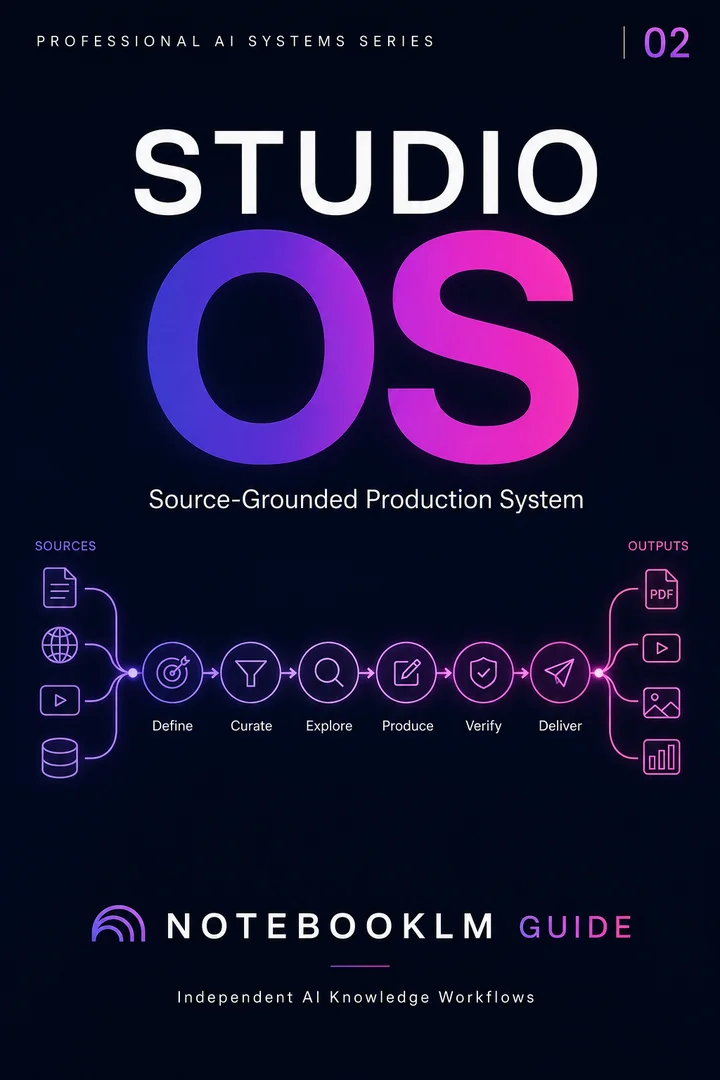
Turn a trusted source library into professional briefings, slides, visuals, and presentation-ready assets.
Before uploading client, student, health, legal or employee information, remove unnecessary identifiers and use an approved organizational environment. Audio makes source content easier to consume; it does not reduce the sensitivity of the underlying material.